For experts
How to host a live masterclass that sells the replay
By Masterclass.tv 9 min read
To host a live masterclass, pick one clear outcome, plan a timed agenda, test your stream, run an on air Q&A, and structure the session in chapters so the replay is easy to sell and watch afterwards.
A live masterclass has two lives. The first is the broadcast itself: a group of people in the room at the same time, asking questions while you teach. The second is the replay, which keeps working for months if you plan for it from the start. This guide walks through both, from the idea to the follow up, with a timeline you can copy.
Step 1. Choose one outcome
The best live classes promise one specific result. "Marketing for startups" is a topic. "Build a paid social test plan for your first 1,000 USD of spend" is an outcome. A narrow outcome makes the class easier to sell, easier to teach in a fixed time, and easier to title so people find the replay later.
Write the outcome in one sentence, then check it against three questions:
- Can a viewer use it within a week?
- Can you teach it well in 60 to 120 minutes, including Q&A?
- Would someone search for this exact problem?
Step 2. Plan a timed agenda
A timed agenda keeps you on track live and becomes the chapter list of your replay. Publish it on the event page so buyers know exactly what they get.
| Block | Time | Purpose |
|---|---|---|
| Welcome and outcome | 5 minutes | Tell viewers what they will leave with |
| Core idea | 15 minutes | The framework or principle behind the method |
| Live walkthrough | 35 minutes | Show the method on a real example |
| Q&A round one | 15 minutes | Answer the top voted questions so far |
| Second example or variation | 20 minutes | Apply the method to a different case |
| Q&A round two and wrap up | 20 minutes | Final questions, next steps, materials |
Two Q&A rounds work better than one long block at the end. Viewers who have a question early do not wait an hour, and the second round catches what the walkthrough raised.
Step 3. Prepare the materials pack
The materials pack is part of what people pay for, and it is what they keep using after the class. Prepare it before the session, not after. Good materials are practical:
- A checklist or template that matches the method you teach.
- The slides, if you use them, cleaned up for reading.
- Example files, code, prompts, recipes or spreadsheets used in the walkthrough.
- A short list of further reading or tools, described by category rather than as a sales list.
On Masterclass.tv every ticket includes a materials pack, along with the live seat, on air Q&A, the replay forever and a certificate of attendance.
Step 4. Set up and test your stream
Technical problems are the fastest way to lose a live audience. Keep the setup simple and test it a day before.
Minimum setup
- A stable wired connection if possible.
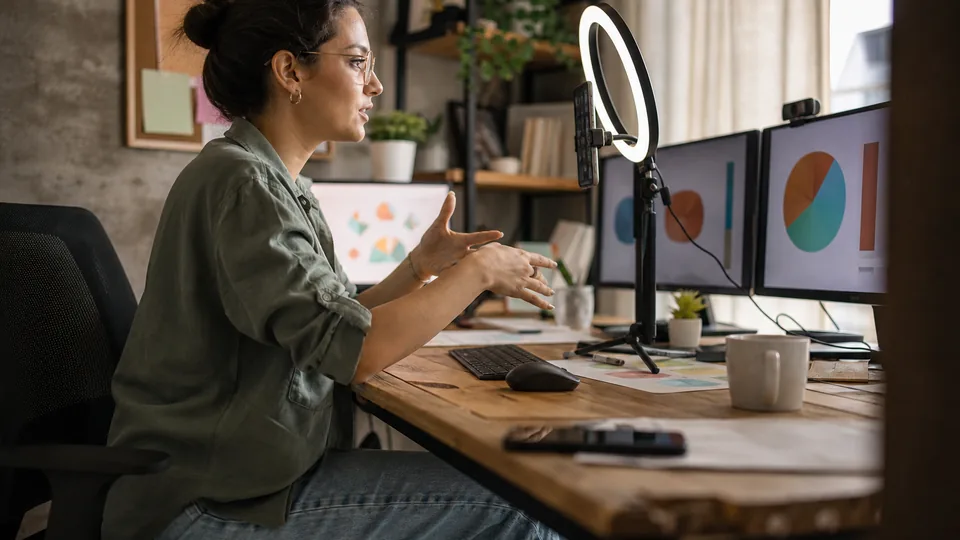
- A decent USB microphone. Audio quality matters more than video quality.
- Light facing you, not behind you.
- A second screen or device to watch questions.
Test run checklist
- Start a private test stream and watch it from another device.
- Check audio levels while speaking at your normal volume.
- Share your screen and make sure text is readable on a laptop.
- Open every file and tab you will use, in order.
- Turn off notifications on every device.
On Masterclass.tv you can stream from the browser studio, or from any streaming app with a stream key (RTMP) if you want scenes, overlays or multiple cameras. Pro plans include 2 co hosts and Studio plans 10, which helps when one person teaches and another moderates questions.
Step 5. Fill the room
Most live classes sell in two waves: right after the announcement and in the last 48 hours. Plan for both.
- Announce with the outcome first. Lead with what people will be able to do, then the date.
- Share the agenda. It answers the question "is this for me" better than a long description.
- Use reminders. Masterclass.tv sends reminder emails 24 hours and 15 minutes before the class, and shows the time in each viewer's own time zone.
- Ask partners to share. On Pro, the affiliate program gives partners tracked links, and commission is paid from your share.
- Show real seat counts. If seats are limited, show the real number left. Never invent urgency.
Step 6. Run the live session
Open strong
Start on time. Late starts frustrate the people who showed up and hurt the replay, because the first minutes are what replay viewers see first. Open with the outcome and the agenda, then go straight into content.
Handle the Q&A on air
On Masterclass.tv viewers submit questions to a queue and upvote the ones they share. You pin and answer the top ones on air. A few habits help:
- Read the question aloud before answering, so replay viewers know what you are answering.
- Answer the most upvoted questions first.
- If a question needs a long answer, give a short version live and add detail to the materials.
- Group similar questions and answer them together.
Close with next steps
End with what viewers should do in the next week, where to find the materials, and what you teach next. If you run cohorts or 1 on 1 sessions, mention them once, clearly, without a hard sell.
Step 7. Make the replay sell
A replay sells when it is easy to watch and easy to understand from its page. Most of that work happens before and during the live class.
| What you do | Why it helps the replay |
|---|---|
| Timed agenda published in advance | Becomes clear chapters for replay viewers |
| Questions read aloud | Q&A makes sense without the chat |
| Specific title with the outcome | Easier to find and easier to choose |
| Materials prepared before class | Replay buyers get the same practical value |
| On time start | No dead air at the start of the video |
On the Pro plan you can keep selling the replay after the class ends. Price it a little below the live ticket, since the live seat includes asking questions on air. Viewers who bought a ticket keep the replay forever, and the certificate of attendance needs at least half of the class watched, live or replay.
Step 8. Follow up and plan the next one
The week after a class is when you learn the most. Look at:
- Which questions came up most. They are the topics of your next classes.
- Where in the session attention dropped, if your analytics show it.
- How many people bought in each wave of promotion.
- Whether the class sold out or had seats left, which tells you whether to raise or keep the price.
You own your audience on Masterclass.tv and can export attendee emails, so you can tell past attendees about your next session directly.
A two week timeline you can copy
- Day 1. Pick the outcome, write the title and agenda, create the event page.
- Day 2. Announce to your audience and partners.
- Days 3 to 10. Build the materials pack and run through the walkthrough once.
- Day 12. Full technical test with a friend watching.
- Day 13. Second announcement with the agenda.
- Day 14. Teach live, then share materials and the replay.
Where to host it
You can assemble a live class from separate tools: a video meeting app, a ticketing page, a payment link, an email tool and a place to host the recording. Or you can use a platform that combines them. On Masterclass.tv you can run one test class with a room of 100, then teach on Pro or Studio, and you keep 75 percent of every ticket on every plan. Read more about hosting live classes as an expert and see the live masterclass format your viewers will experience.
If you teach a technical subject, look at how sessions are presented in categories like online coding classes, where live walkthroughs and replays matter most. Then pick one outcome and put a date on it.